Platform Setup
System packages and build tools required by whisper.cpp on macOS, Linux, and Windows.
The local Whisper STT engine compiles whisper.cpp from source. That means
bindgen runs on every clean build and needs CMake plus libclang. Pick
the block for your operating system below.
macOS
brew install cmakeApple ships LLVM with the Xcode Command Line Tools, so libclang is
already on your machine. Run xcode-select --install if you haven't.
Linux
sudo apt install cmake clang libclang-devsudo pacman -S llvm clang cmakeYou also need the Tauri v2 Linux prerequisites
(WebKitGTK, libssl, etc.). Tauri's installer prints exact apt/pacman
commands for your distribution.
Windows
Windows needs an extra build-tools bootstrap before the shared setup pipeline — LLVM/libclang and CMake aren't available out of the box.
Restart the terminal
After setup:windows runs, you must close the terminal and open a new
one so LIBCLANG_PATH is inherited. Skipping this step is the most common
build failure on Windows.
-
Install Visual Studio 2022 with the Desktop development with C++ workload (provides MSVC).
-
From the repo root in PowerShell:
bun install
bun run setup:windows
This installs LLVM + CMake via
wingetand persistsLIBCLANG_PATHto your user environment. -
Close the terminal and open a new one.
-
Continue with the installation guide:
bun run setup:all
bun run tauri dev
Verifying the toolchain
A quick way to confirm everything is wired before kicking off setup:all:
bun --version
rustc --version
python3 --version
cmake --version
clang --version
If any command isn't found, jump back to Prerequisites and reinstall.
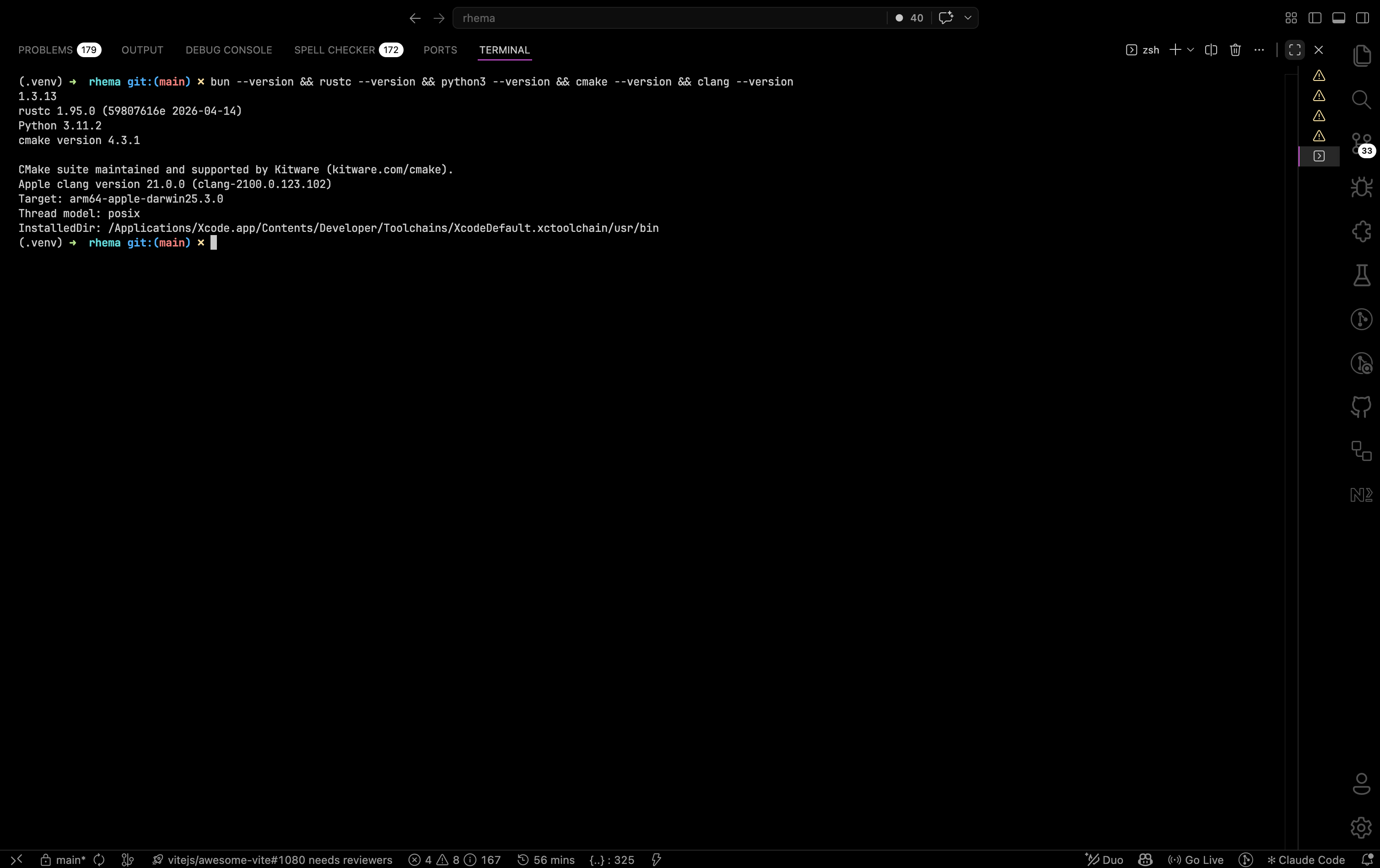
A successful platform check prints a version string for each command in turn. If any of them prints "command not found", install the missing tool before running setup:all. Click to expand.